









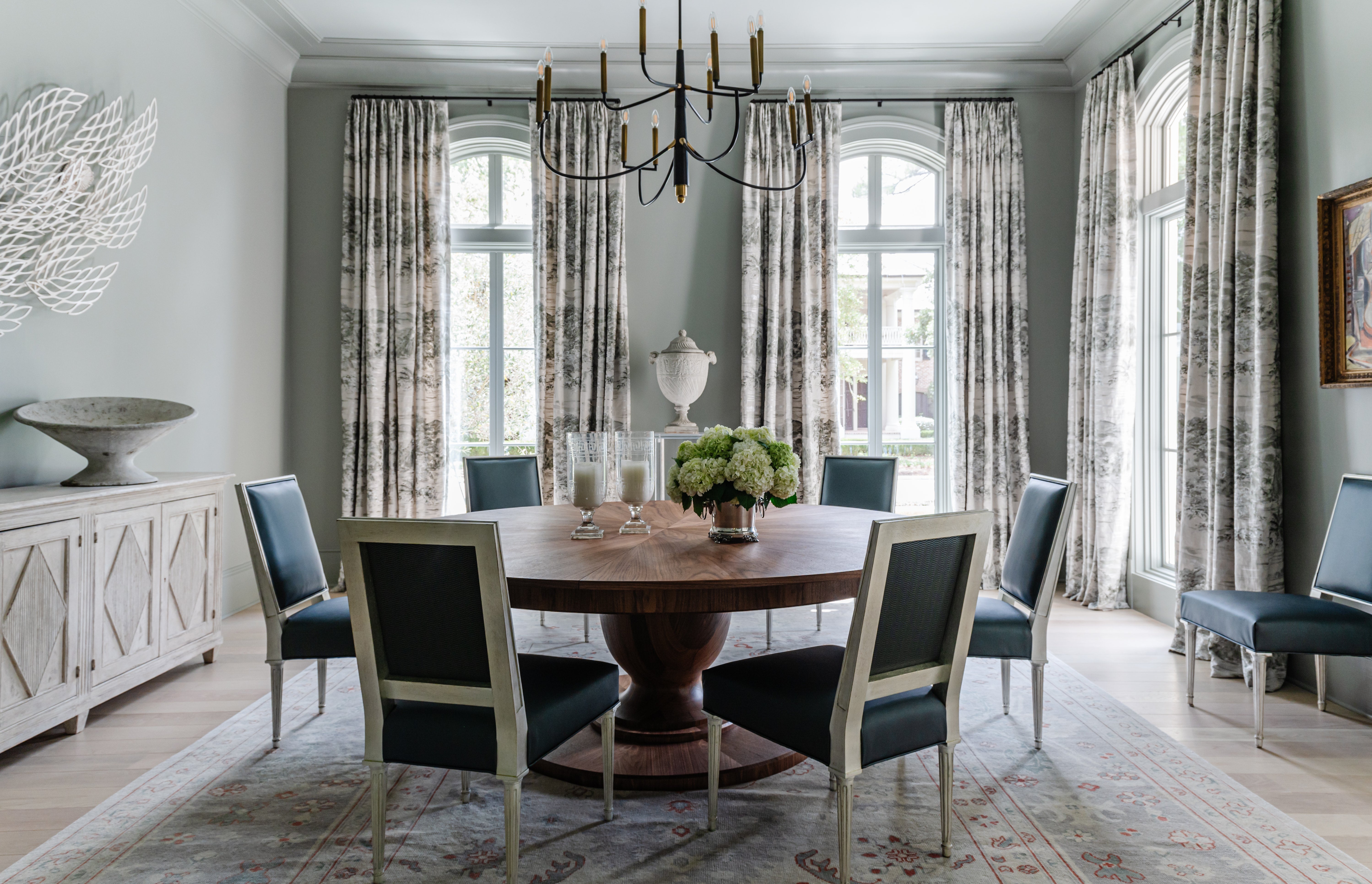

Betsey Hazard and her New Orleans–based team have embraced Canva for both project presentations and project management. She spoke with BOH about how the platform makes House of Hazard seem polished without adding layers of complexity.
I use Canva like crazy. Like a lot of designers, my brain can be pretty discombobulated. We used to use a combination of Word documents and Excel spreadsheets. But I like to be able to put information on paper, so to speak. Canva allows me to pull different things together into one file. I’ll screenshot architects’ drawings and write notes over them or draw arrows to certain details when we’re beginning a project. We use it for presentations for hard finishes [and display them] on a big TV in the office. Sometimes, during a presentation, I’ll have my iPad or computer and type in the actual presentation file as we’re going.
Once the client has seen all the pretty stuff, [the process] starts getting super gnarly. A file for a project in Canva could become 100 pages, going into all the details we’ll give the contractor, like where we want hooks to go—granular stuff. We try to keep furniture and soft goods in separate files; otherwise it would balloon to like 300 pages. I know other people do things like that in AutoCAD, but it’s easier for me to do it this way. On one job recently, we had a very complicated paint schedule. So, along with a Word document of a paint schedule, we used Canva to put arrows on a photo of the room, showing from trim to wall where the paint was meant to go. (I don’t normally have such an obnoxious paint schedule, but this space was very specific.)
BOH subscribers and BOH Insiders.
 Withdraw Consent / Manage Privacy Preferences